
Network Support, Reno
Network Support in Reno, NV
An office network nobody has documented is one nobody can defend. Start with a map.
Business Network Support and Management in Reno
Network support in Reno keeps a business's firewall, switches, Wi-Fi and internet connection working and secure. Managed Services Reno arranges troubleshooting, monitoring and upgrades for offices and warehouses in Washoe County. Call or email contact@managedservicesreno.com with the symptom.
The firewall is the most neglected device in a small office. It goes in once, works, and is forgotten. Years later it is running firmware with published holes, and it is the only thing between your files and the internet.
The second problem is flatness. Guest phones, cameras, the card terminal and the accounting PC all share one network, so a compromise of any one reaches the others.
Patch the edge. Split the inside.
Network Support and Network Management Services
Network support covers the equipment between your devices and the internet. These six jobs make up most of the work.
Firewall Management
Firmware is kept current, unused open ports are closed, and remote access requires multi-factor sign-in.
Network Segmentation
Guests, cameras, payment terminals and office computers each get a separate segment with rules between them.
Wi-Fi Coverage and Security
Access points are placed after a survey, and staff Wi-Fi uses individual logins instead of one shared password.
Outage Troubleshooting
A fault is traced step by step, from the carrier's circuit to the single port or cable that failed.
Monitoring and Alerts
Switches, access points and the internet link are watched, so a failing device is noticed before Monday.
Network Documentation
A diagram, an address list and a labeled rack, kept current and handed to you.
How Network Troubleshooting Works
Describe the Symptom
Slow, dropping or dead, and whether it hits everyone or one corner.
Check the Edge
The carrier circuit and the firewall are tested first.
Trace Inward
Switches, access points and cabling are checked in order.
Repair
The failed part is fixed, replaced or reconfigured.
Document
The diagram is updated and the cause is recorded.
Why Choose Us for Network Support?
Segmentation by Default
Card terminals sit apart from everything else, which also shrinks the part of your network that PCI DSS examines.
Firmware on a Calendar
Edge devices are patched on a schedule, with urgent fixes applied sooner.
Warehouse-Ready Wi-Fi
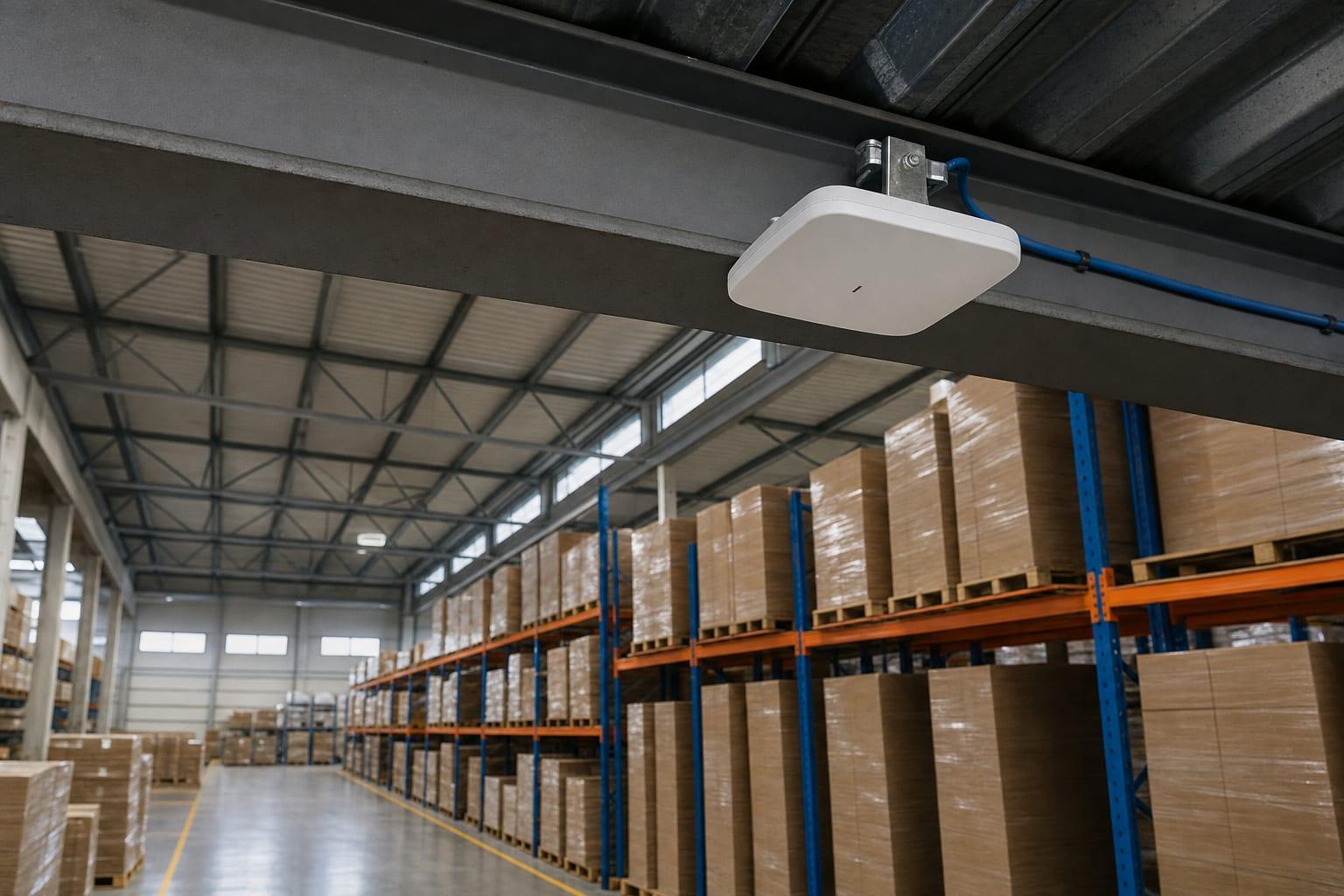
Coverage is designed around racking, metal and forklifts, then measured after install.
A Map You Keep
The diagram and the passwords are yours.
Network Support Pricing in Reno
| Work | Price | Based On |
|---|---|---|
| Troubleshooting visit or session | Custom quote | The fault and time to trace it |
| Firewall or Wi-Fi replacement | Custom quote | Equipment, size of the space and labor |
| Ongoing network management | Custom quote | Number of devices and sites |
Hardware and labor are quoted as separate lines so you can see both. Ask how long the maker will keep issuing firmware updates for any firewall you are sold. Rates do not appear on this site.
Talk to a Reno Managed IT Team
Is it slow, dropping or down? And is it everyone or one area?
Call (775) 414-4259Get a Free Quote
No obligation.

Managed Services Reno Is Proud to Serve Nevada
Network Support Questions
What is network support?
Network support is the upkeep and repair of the equipment that connects a business's devices to each other and to the internet. It covers the firewall, switches, Wi-Fi access points and cabling, along with monitoring for faults and applying security updates to each device.
Why does my office Wi-Fi keep dropping?
Office Wi-Fi usually drops because of too few access points, interference from neighboring networks or old equipment that cannot handle the number of devices. A site survey measures signal in each room. Adding a consumer range extender tends to make the problem worse.
How often should a business firewall be replaced?
A business firewall should be replaced when its maker stops releasing security updates for it, which commonly happens five to seven years after purchase. Until then it needs regular firmware updates. An unsupported firewall is a known weakness sitting at the front door.
Should security cameras be on the same network as office computers?
Security cameras belong on their own network segment, separate from office computers. Cameras are small computers that rarely get updated, and a compromised one should not be able to reach your files. A managed switch and a few firewall rules handle the separation.